
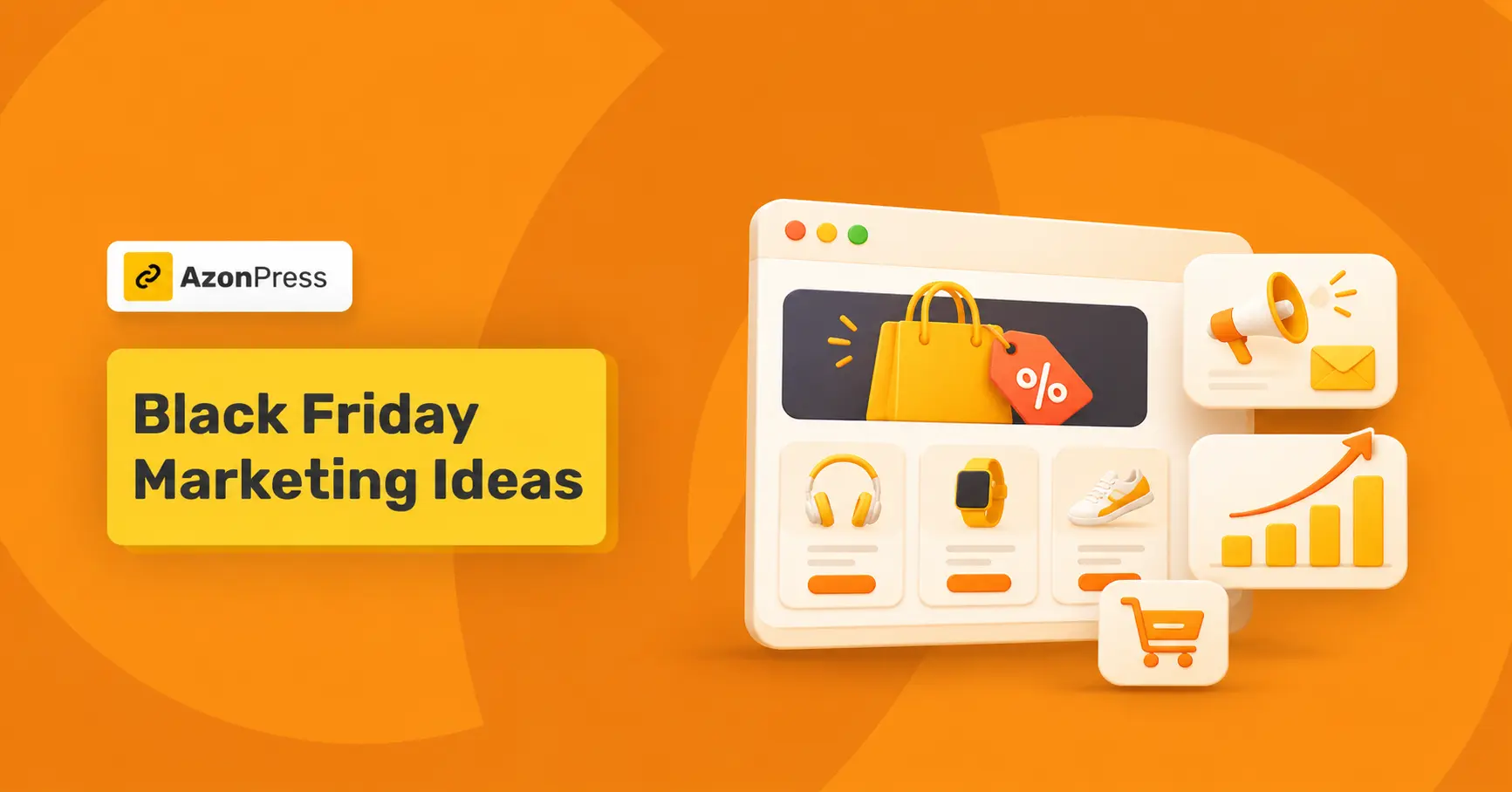
Black Friday Marketing Ideas For Digital Product Creators


You built a Notion template that people love. Targeting Black Friday, you set up a 30% off code, shared it on your social platforms, and kept checking your sales page all day.
Only three sales came in.
You probably have a modest following and a blog that quietly brings in readers every day. Those readers are your best Black Friday buyers. They already trust your advice, and they’re on your site right now.
So why aren’t they buying? Most likely, your marketing never reached them.
In this guide, I’ll walk you through Black Friday marketing ideas for people who sell ebooks, templates, presets, and other digital products. You’ll get a three-week plan you can start today, a simple way to price your discount without losing money, and a setup that puts your offer inside the posts your readers already visit, using AzonPress.
Let’s get into it.
TL;DR
What is Black Friday Marketing For Digital Products?
Black Friday marketing for digital products means promoting a limited-time offer on ebooks, templates, courses, or other downloads during the Black Friday to Cyber Monday weekend. Most creators pair a discount, bundle, or bonus with emails, social posts, and on-site product placements that send buyers to checkout.
Digital products are easier to put on sale than physical ones. You don’t manage stock or arrange shipping, and buyers get the file the moment they pay. You can set up a full sale in an afternoon.
That also means thousands of other creators are running sales the same weekend. Two things help yours get noticed: an offer people understand at a glance, and placement where your readers already spend time.
12 Black Friday Sale Ideas That Fit Digital Products
Here are 12 Black Friday sale ideas that work for creators who sell downloads. Pick one or two and do them well.
- Bundle your best sellers: Group three related products into one “starter kit” at a lower combined price. A Canva template seller might bundle an Instagram post pack, a story pack, and highlight covers.
- Run tiered discounts: Try 20% off one product and 30% off two or more. Order value goes up without slashing the price of any single product.
- Give subscribers early access: Open the sale to your email list 24 hours before everyone else. It rewards people who already trust you, and your first sales come in early.
- Add a Black Friday bonus instead of a discount: Throw in a bonus chapter, an extra preset pack, or a short video walkthrough that disappears after Cyber Monday. Your price stays where it is.
- Run daily flash deals: Feature a different product or bundle each day. Creator Stephanie Kase used a five-day version of this in 2024 and made just over $20,000 from her existing offers and audience.
- Soft-launch something new to past buyers: Black Friday is a good moment to release a new product to people who already bought from you. Kieran Drew did exactly this and sold 163 copies to existing customers.
- Offer pay-what-you-want with a floor: Set a minimum price that covers your time and fees, and let buyers go higher. This suits printables and small template packs.
- Create a “first purchase” offer: Package a low-priced entry product, like a $9 template, for people who’ve never bought from you. The goal here is a new customer, not a big order.
- Make a gift-ready version: Add a printable gift card or a “send to a friend” option. Digital products make easy last-minute gifts.
- Upgrade free users to paid: If you give away a free version, offer the full version at a Black Friday price to everyone who downloaded the free one.
- Plan a Cyber Monday second wave: Reopen the sale for 24 hours on Cyber Monday, or switch to a different product. People who missed Friday get one more chance.
- Send a “you missed it” offer in December: A smaller follow-up offer in early December catches buyers who were busy over the long weekend.
Not sure which product to put on sale? Our list of digital products to sell covers 17 ideas and how to present each one.
How To Price Your Black Friday Discount Without Losing Money
Every discount comes out of your earnings, so pick your number before you announce the sale. A quick calculation shows how many extra sales you’ll need to make the discount worth it.
|
Discount |
Sale price |
Fees (about 10%) |
You keep |
Sales needed to match 10 full-price sales |
|
None |
$29.00 |
$2.90 |
$26.10 |
10 |
|
20% off |
$23.20 |
$2.32 |
$20.88 |
13 |
|
30% off |
$20.30 |
$2.03 |
$18.27 |
15 |
|
50% off |
$14.50 |
$1.45 |
$13.05 |
20 |
At 50% off, you need twice as many buyers to earn the same money. If your audience is small, that’s a tough target.
A few rules of thumb:
- 20% to 30% off works for most small creators. It feels like a real deal without cutting your income in half.
- Go deeper only on older products you want to move, or on an entry product meant to bring in new customers.
- Use a bonus instead if discounting doesn’t feel right. Your price stays the same, and buyers still feel they got something extra.
A 3-Week Black Friday Marketing Strategy You Can Start Today
Three weeks is enough time to plan, set up, and promote a Black Friday sale for digital products. You don’t need months of preparation. You need a clear order of tasks.
Here’s how to prepare for Black Friday starting in early November. Each week has one job, so you always know what to work on next.
Week 1: Pick The Offer And Set Up The Checkout
- Choose one main offer from the ideas above.
- Set it up on your checkout platform, whether that’s Gumroad, Payhip, Lemon Squeezy, Etsy, or somewhere else, with a clear start and end date.
- Create your discount code or sale price, then test the full purchase yourself.
- Save the exact checkout URL. You’ll use it everywhere.
Week 2: Put The Offer On Your Own Site
- Find your five most-read blog posts.
- Add your sale product to each one, near the top and again at the end.
- Build a simple sale page on your site that shows your Black Friday offer and links to the checkout.
- Keep a list of every post you edit. You’ll need it after the sale.
Week 3: Warm Up Your Email List And Socials
- Send a “something’s coming” email with the date and a hint of the offer.
- Post a teaser on the platforms where your buyers already follow you.
- Open early access to subscribers on 26 November, if you’re using that idea.
Black Friday To Cyber Monday: Run The Sale
- 27 November: Send the launch email in the morning and post on social.
- 28 to 29 November: Send a short reminder, and share a customer quote or a product preview.
- 30 November: Send the Cyber Monday “last chance” email. Close the offer at the exact time you announced.
Don’t skip that last day. Cyber Monday is when a lot of people who saw your offer on Friday finally make up their minds.
Why Your Blog is Your Best Black Friday Sales Channel
Ads get expensive over the Black Friday weekend because every brand bids at the same time. Social posts disappear in a few hours. Email only reaches people who already signed up.
Your blog works differently. Posts that rank keep bringing in readers every day, Black Friday weekend included. And those readers came to you because they care about your topic.
Here’s how to put that traffic to work:
- Find your top five posts: Check Google Analytics or your site stats for the most-viewed posts over the last three months.
- Match the offer to the post: A post about Instagram content ideas should show your social media template pack, not your budget spreadsheet.
- Place the offer twice: Once near the top, where people decide whether to keep reading. Once at the end, where finished readers look for a next step.
- Use a product box, not a pop-up: A clear box with the product image, sale price, and a buy button reads as part of the post. Pop-ups get closed without a second look.
- Point everything to one sale page: A single page with all your Black Friday offers is easy to share in emails and posts, and it gives you one place to update.
Need more places to share your sale link? These 10 non-scammy ways to promote links can help you reach more buyers this Black Friday.
How AzonPress Helps Your Black Friday Sale Reach Your Readers
Your readers are already on your blog. AzonPress helps them see your Black Friday offer while they’re there.
AzonPress is a WordPress plugin for product showcasing and link management, made by WPManageNinja. Your checkout stays where it is, on Gumroad, Payhip, Etsy or wherever you sell. AzonPress controls how that product appears across your site and lets you count the clicks it gets.
Picture your most-read post, a guide to weekly planning. Halfway down, a reader sees your planner template in a clean product box with the image, the Black Friday price and a buy button. That reader is ready for the offer, and now they can actually see it.
Your Sale Looks Like A Real Product
A plain “Get my template” text link is easy to skip. With Custom Product with Zero API, your offer becomes a product box with an image, price and button, styled in a Box or List layout to suit each post. If you sell on Etsy, AzonPress fetches the listing details from the link for you.
One Offer Across Every Post That Matters
Each product gets its own shortcode. Place the same Black Friday offer in your top five posts and your sale page, near the top and again at the end, without rebuilding it for each one.
A Clean Link For Everywhere You Share
Each product also gets a cloaked link on your own domain. Use that one short, branded link in your emails, social posts and bio instead of a long checkout URL. Curious how cloaked links work? Here’s a quick guide to link cloaking.
See Which Posts Your Readers Clicked From
After the weekend, the Advanced Report Dashboard shows how many clicks each link got. Put those numbers next to the sales in your checkout dashboard to see which posts actually sent buyers. Clicks show interest, and your checkout shows who bought.
Our guide to link tracking explains how to read these numbers.
After Cyber Monday: Clean Up, Measure, And Follow Up
Most Black Friday guides stop when the sale ends. These three steps decide whether this year’s sale helps next year’s.
1. Remove expired offers: Go back to every post on your list and replace the sale product with your regular product. Update or unpublish the sale page. A “50% off” box that no longer works frustrates readers and makes the rest of your site look neglected.
2. Measure what worked: Put your click data next to your checkout sales. Note which posts, emails, and social posts drove the most activity. Next year, start with those.
3. Follow up with both groups:
- Thank your buyers, and ask what made them buy.
- Send everyone else a short note about what they missed, and invite them to your list or waitlist for the next offer.
Black Friday Marketing Checklist
Use this Black Friday checklist so nothing slips:
- One clear offer chosen
- Discount or bonus priced against your fees
- Sale set up on your checkout with start and end dates
- Test purchase completed
- Top five blog posts picked
- Sale product placed in each post, top and bottom
- Sale page live on your own site
- Branded link created and used everywhere
- Teaser email and social posts scheduled
- Launch, reminder, and last-chance emails written
- List of every edited post saved
- Post-sale cleanup scheduled for 1 December
Make This Black Friday Your Best One Yet
You don’t need all 12 ideas to have a good Black Friday. Pick one offer, price it so it still pays you, and put it in front of the readers your blog already brings in.
Set it up this week, and you’ll walk into 27 November ready instead of rushing.
And if you want your sale to look like a real product on your site, not just another text link, add it with AzonPress. Your readers already trust your content. Show them the offer right where they’re reading.
If you get stuck anywhere, drop a comment below. I’m always happy to help.
Thanks for reading!


Frequently Asked Questions
Here are some frequently asked questions regarding “Black Friday marketing ideas.”
1. What are Some Creative Black Friday Sale Ideas?
Creative Black Friday sale ideas for digital products include daily flash deals with a different product each day, a bonus that disappears after Cyber Monday, early access for email subscribers, and a soft launch of a new product to past buyers. Bundles also work well, because they raise order value without cutting the price of any single product.
2. What Sells The Most On Black Friday?
Electronics, fashion, and home goods lead overall Black Friday sales. For digital product creators, bundles and best sellers tend to do best, because buyers already trust them and the deal is easy to understand. Gift-friendly products like printables and planners also benefit from the holiday shopping mood.
3. How Much Should You Discount Digital Products For Black Friday?
For most small creators, 20% to 30% off is enough to feel like a real deal without cutting your income in half. At 50% off, you need about twice as many buyers to earn the same money. Save deep discounts for older products or entry offers, or add a limited-time bonus instead.
4. When Should You Start Promoting Your Black Friday Sale?
Start teasing your sale about one week before Black Friday. A short “something’s coming” email and a few social posts build interest without wearing out your audience. Put the offer on your blog about 10 days ahead, so readers who land on your posts see it as soon as the sale opens.
5. Can You Run A Black Friday Sale Without A Big Email List?
Yes. Your blog posts, bio link, and online communities can carry the sale. Put your offer in your five most-read posts, share one branded link everywhere, and keep it to one clear deal. A small audience that trusts you often buys more readily than a large one that doesn’t know you.



Read Similar Blogs
We build lasting partnerships to boost and manage revenue growth




Leave a Reply